
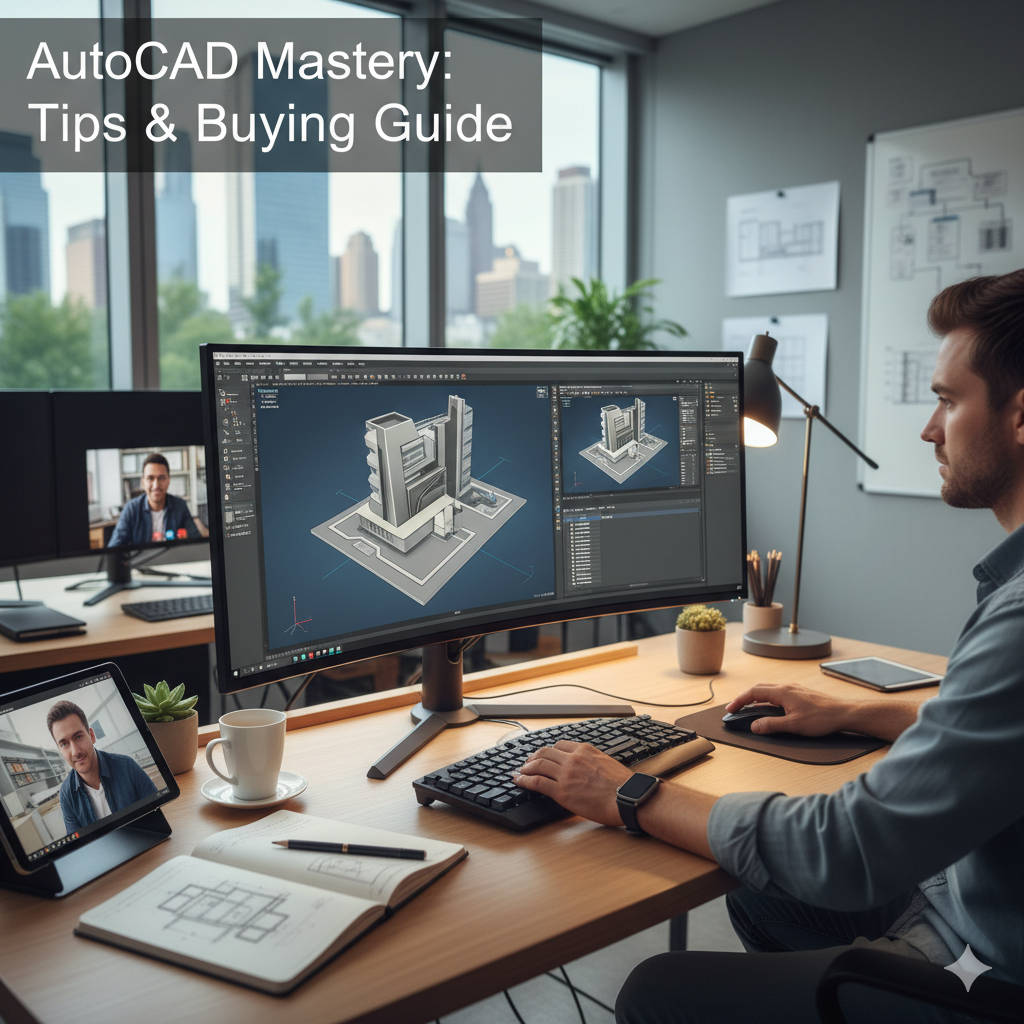
Buy AutoCAD Software
Every great design starts with a powerful tool. For architects, engineers, and designers, that tool is often AutoCAD. This computer-aided design (CAD) software lets you create precise 2D and 3D drawings. Learning the essential tips helps you move faster and work smarter. You need to master these techniques to succeed in any design profession. This guide gives you the best secrets to boost your efficiency immediately. You should learn the software’s deep features before you invest in it. This information will help you understand the power you gain when you decide to Buy AutoCAD Software.
The Foundation of Efficiency – Quick Productivity Tips
Top designers do not just click icons; they use the system’s core power. Mastering a few simple but effective tricks improves your workflow drastically. These productivity tips for CAD users turn a slow process into a streamlined one.
1. Embrace the Power of Keyboard Shortcuts
Stop searching through menus. You can save hours of time by using keyboard shortcuts, also known as command aliases. AutoCAD gives you a shortcut for almost every drawing and editing command. For example, type ‘L’ and press Enter to start the Line command. Type ‘C’ for Circle, and ‘TR’ for Trim. Make a list of the 10 commands you use most often. Then, commit these shortcuts to memory. The speed of your fingers directly affects your design speed. You can even create your own two-letter shortcuts for your most complex or frequent functions. Customizing your workflow to match your muscle memory is the smartest thing you can do.
2. Master the Layer System for Perfect Organization
Layers are the digital equivalent of transparent sheets of paper. You should use a layer system in all your CAD drafting and modeling work. For instance, put all dimensions on a ‘DIM’ layer, walls on a ‘WALL’ layer, and text on a ‘TEXT’ layer. This simple practice offers two major benefits. First, it helps you organize your drawing. Second, it lets you control visibility. You can turn off the ‘TEXT’ layer when you want to focus only on the geometry. Proper naming conventions make collaboration easier. Always keep a ‘No Plot’ layer for notes and temporary lines. This ensures your final printed drawings look clean and professional.
3. Utilize Blocks and Dynamic Blocks
A block is a collection of objects that you group together to create a single object. Think of a block as a symbol for a door, a window, or a piece of furniture. You should use blocks whenever you have reusable parts in your design. They save file size and ensure consistency. If you need to change a block, you only change the single block definition, and the change updates everywhere in the drawing.
Go one step further by using Dynamic Blocks. Dynamic Blocks add flexibility. They let you change the shape, size, or configuration of a block without defining a new one. For example, you can drag an arrow grip on a dynamic door block to instantly change its width. This is a crucial element for new designers using AutoCAD software to increase their output. The Blocks palette gives you quick access to your most-used items. Make sure you use it frequently.
4. Understand Drawing and Editing Commands
A strong foundation in drawing and editing commands makes you fast. Learn the difference between basic commands like LINE and PLINE (polyline). Know how to use OFFSET to create parallel lines at a set distance. Master the TRIM and EXTEND tools to clean up corners. Use the FILLET and CHAMFER commands to easily round or bevel edges. When you use these tools correctly, you improve design accuracy and productivity. The goal is to draw once and edit perfectly.
Mastering Precision and Collaboration
Once you master the basics, focus on precision, team-work, and advanced organizational techniques. These tools separate a good designer from a professional.
Start at the Origin (0,0,0)
Always begin your drawings near the origin point of the coordinate system (0,0,0). This simple tip prevents precision issues and helps with design collaboration features later on, especially when you link your drawing with other files. When your file is far away from the origin, other programs or people might struggle to align it correctly. Keep your main drawing close to the starting point.
Employ External References (XREFs)
XREFs are external references. They are essential for large projects and team environments. An XREF lets you link one AutoCAD drawing into another without adding the original file’s content directly. Imagine you are working on the electrical layout of a building, and another designer is working on the architectural plan. You can use the architectural plan as an XREF in your electrical file. If the architect updates their file, your linked XREF updates automatically. This keeps the drawing file clean and usable. It also ensures everyone works with the most current base design, which greatly helps improve design accuracy. This is a critical skill for AutoCAD for professionals.

Use Layout and Dimensioning Tools Correctly
Model Space is where you draw your 2D and 3D design tools. Paper Space, or Layouts, is where you prepare your sheets for printing and dimensioning. Never add final dimensions in Model Space. Use the Paper Space Layouts for final sheet arrangement, viewports, and title blocks. This ensures your dimensions always appear at the correct size, regardless of the drawing’s scale in the viewport. Learn to use Annotation Scaling to make sure text and dimensions display correctly in different viewports. Correct layout and dimensioning tools are vital for clear communication on the construction site.
Leverage New Tools and Autodesk Design Solutions
AutoCAD constantly improves, often with updates powered by Autodesk AI. The latest versions include features that automate repetitive tasks. For example, the Count feature quickly and accurately counts blocks or objects in your drawing. The Trace feature lets you safely review and add feedback to a DWG file without changing the original drawing. Professionals should buy AutoCAD software to access these modern tools. They significantly increase your productivity. The full subscription also includes specialized toolsets for Architecture, Mechanical, Electrical, and other fields, making your job much easier.
Your AutoCAD Software Buying Guide
AutoCAD is the industry standard for computer-aided design techniques. Every serious designer, engineer, or firm needs genuine AutoCAD software. When you decide to buy, you must follow the correct steps to ensure you get a legal license and full support.
Choosing the Right AutoCAD Software for You
Before you buy AutoCAD software, understand the two main options.
AutoCAD (Full Version): This subscription includes the core 2D and 3D functionality plus seven specialized toolsets. This is the top choice for design professionals and engineers who need advanced CAD drafting and modeling, rendering, and specific industry tools (like electrical or mechanical).
AutoCAD LT: This is a cost-effective 2D CAD software. It is perfect for those who only need precise 2D drafting, drawing, and documentation. It is often the affordable AutoCAD software for design professionals just starting out.
Choosing the right version is the first step in your AutoCAD software buying guide for beginners.
Understanding AutoCAD Subscription Plans and Licensing
Autodesk, the developer of AutoCAD, uses a subscription-based model. You do not buy a perpetual license anymore; you purchase access for a set period.
Annual Subscription: This is the most popular choice. You pay a lower monthly average rate for a full year of access. Currently, the AutoCAD software price in India for the full version is around ₹1,21,540* per year. The AutoCAD LT subscription is around ₹31,860* per year. (*Prices are approximate annual subscription rates as of late 2025 and may change. Always confirm the current price.)
Monthly Subscription: This option offers flexibility but costs more in the long run. Use this for short-term projects.
3-Year Subscription: This locks in your price for a longer duration, offering the best overall value for long-term users.
Every subscription is a software license for a named user. This means one person gets access to the software, their profile, and cloud services. You can easily download your software once you purchase the license through your Autodesk Account.
Where and How to Buy Genuine AutoCAD Software
You must avoid unauthorized sellers. Only buy genuine AutoCAD software to ensure you get full technical support, the latest updates, and security features.
1. Buy Online Directly: The easiest way to buy AutoCAD software online in India is through the official Autodesk website. They offer secure purchasing and instant access to the download.
2. Use an AutoCAD Authorized Reseller: For businesses and professionals, buying from an authorized reseller is the best way to get a software license. An AutoCAD authorized reseller provides excellent local service, technical support, and guidance on volume licensing. They also offer crucial CAD software training and usage support for your team.
If you are looking for the best place to buy genuine AutoCAD software, especially with technical support in a specific location like Chennai, contact a local authorized partner. They can guide you through the latest AutoCAD subscription plans. A reputable local partner helps you figure out how to buy AutoCAD software for your design business, ensuring you purchase the most suitable version. An authorized partner is your best AutoCAD dealer in Chennai. They often know about local deals and can provide the level of technical support you need to maximize your investment
Staying Current – The AutoCAD 2025 Edge
The latest version, AutoCAD 2025, continues the trend of improved efficiency and collaboration. Professionals should always stay current. Your subscription gives you access to the newest features.
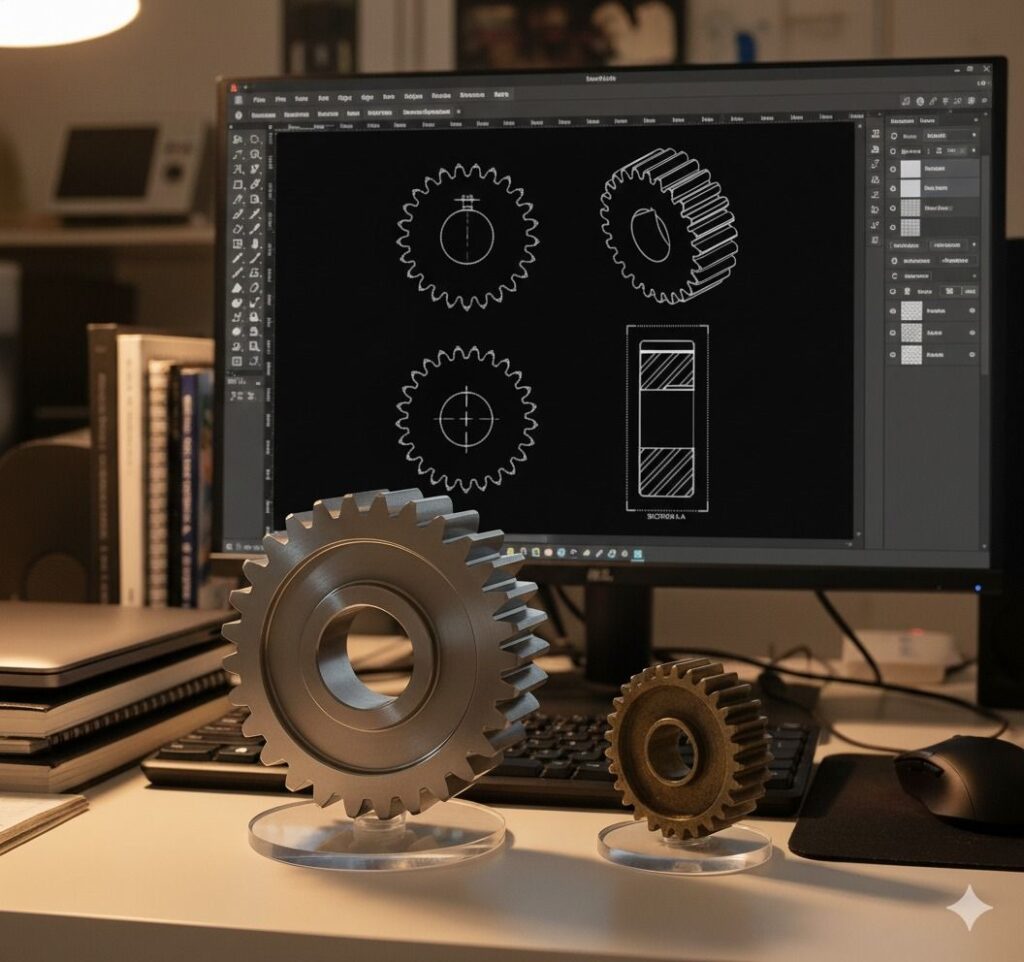
Getting the AutoCAD 2025 Download
Once you purchase your subscription, you gain access to the AutoCAD 2025 download through your Autodesk Account. The installation is straightforward. New features include advanced AI tools, which automate common drafting tasks, and enhanced 3D capabilities. These tools help engineers and architects focus on complex design problems instead of tedious drawing work. You must use the latest Autodesk design solutions to stay competitive.
Conclusion
You now know the top AutoCAD tips before you buy the software. You understand the importance of keyboard shortcuts, correct layer management, and using blocks to save time. You also know where to find the best place to buy genuine AutoCAD software and the approximate AutoCAD software price in India. Investing in this powerful tool and mastering its features will redefine your professional output.
When you are ready to make this important investment, reach out to the experts. Corengg Technologies is a trusted partner and can provide you with the latest genuine software, technical support, and training to ensure your success. They offer solutions for every designer and engineer.

“Excellent explanation! You’ve clearly shown how AutoCAD continues to shape the future of digital design and architecture.”