
2D CAD software
Industrial drafting is a demanding field. Engineers and designers work under tight deadlines. They must produce accurate drawings that meet strict engineering drawing standards. Even small errors in a technical drawing can cause costly problems during production.
Many teams still struggle with slow software, file compatibility issues, and high licensing costs. These problems slow down the entire CAD drafting workflow. This blog post looks at the most common problems in CAD drafting and solutions that actually work. It also explains how ZWCAD, a powerful CAD design software, helps engineers overcome these challenges.
1. High Cost of CAD Software Licenses
One of the biggest problems in industrial CAD drafting is cost. Large CAD platforms charge thousands of dollars per license each year. For small and mid-size engineering firms, this is a heavy financial burden. Many teams cannot afford multiple seats of expensive software.
This limits team size and slows project delivery. Teams often share a single license, which creates bottlenecks. It also means some engineers work without access to the tools they need.
How ZWCAD Solves This:
ZWCAD is one of the best affordable 2D CAD software for engineers on the market today. It offers full-featured drafting capabilities at a fraction of the cost of premium platforms. Small firms and large enterprises alike can scale their tool access without overspending. ZWCAD is a scalable CAD solution that grows with your team. It allows more engineers to access quality drafting software for engineers at a price that makes sense.
2.DWG File Compatibility Problems
DWG is the standard file format in industrial design and manufacturing. But not all CAD file compatibility is equal across different software platforms. When engineers send files between teams or to clients, the drawings sometimes open incorrectly. Fonts shift, layers disappear, or hatching patterns change.
These issues waste time and cause confusion. Engineers must spend hours fixing drawings that should have opened cleanly. CAD for manufacturing industry teams face this problem regularly, especially when working with external vendors or contractors.
How ZWCAD Solves This:
ZWCAD DWG compatibility is one of its strongest features. It reads and writes native DWG files without conversion. This means drawings open exactly as intended. Engineers do not need to worry about formatting errors or lost data. As a trusted DWG CAD software, ZWCAD keeps your file integrity intact across teams, clients, and platforms.
3. Slow Software Performance
Large industrial drawings contain thousands of objects. Complex plant layouts and piping diagrams can have heavy data loads. Many 2D drafting tools and features slow down on these files. Engineers wait long seconds or even minutes for the software to respond.
Slow software hurts productivity. It breaks the engineer’s focus. It also leads to missed deadlines. If a tool cannot handle large files smoothly, it becomes a liability instead of an asset. CAD performance optimization is critical for industrial projects where file size and complexity are high.
How ZWCAD Solves This:
ZWCAD is built for speed. Its lightweight architecture handles large and complex DWG files efficiently. Engineers who need to know how to improve CAD drafting efficiency will find that ZWCAD opens, navigates, and renders large files faster than many older platforms. The software runs smoothly even on mid-range hardware. This makes it a practical choice for companies that want high performance without investing in expensive workstations.
4. High Rate of Drafting Errors
Errors in technical drawings are a serious problem. A wrong dimension or a missing annotation can cause rework in the field. In manufacturing, design error reduction is not optional. It directly affects product quality and project costs.
Engineers often make mistakes when they work manually. They enter measurements by hand, copy details from other drawings, or manage layers without proper tools. Without built-in checks, these errors go unnoticed until they reach production.
How ZWCAD Solves This:
ZWCAD features for drafting include smart dimensioning tools, snap settings, and parametric constraints. These features guide engineers toward accurate inputs. The software flags inconsistencies and helps engineers catch errors early. Teams that want to know how to reduce errors in CAD drawings will benefit from these built-in accuracy controls. ZWCAD supports design accuracy in CAD through tools that verify, align, and control drawing elements at every step.
5. Difficulty Adapting to Industry-Specific Drafting Needs
Different industries have different drafting needs. Plant engineers need tools suited for piping layouts and instrumentation diagrams. Mechanical teams need precise machine part drawings. Structural engineers need tools that handle multi-layer building sections. Generic software often falls short in these areas.
The best CAD tools for plant design engineers must support industry-standard symbols, title blocks, and layer conventions. Without these, engineers spend extra time building custom setups from scratch.

How ZWCAD Solves This:
ZWCAD for industrial design includes customizable templates, block libraries, and tool palettes. Engineers can build workflows that match their industry’s standards. The software supports CAD software for manufacturing drawings by providing the exact features those teams need. It also supports CAD automation tools that reduce repetitive manual tasks. Engineers can automate title block updates, layer naming, and standard symbol placement. This saves hours across large project sets.
6. Steep Learning Curve and Complex Interface
Many CAD platforms have complex interfaces. New users struggle to learn them quickly. Engineering teams lose productivity while staff trains on unfamiliar tools. This is a common challenge in engineering CAD tools adoption across organizations.
Some software requires expensive certified training. Others have documentation that is hard to follow. These barriers slow down onboarding and discourage adoption.
How ZWCAD Solves This:
ZWCAD offers a familiar interface that engineers already recognize. Its command structure and workspace closely match what most users already know from other CAD platforms. This means teams get productive faster. Engineers familiar with other DWG-based platforms can switch to ZWCAD with minimal retraining. It functions as an effective AutoCAD alternative for industrial design without the steep transition cost.
7. Limited Collaboration and Cross-Platform Access
Industrial projects often involve multiple teams working in different locations. Engineers need to share drawings quickly and work on the same files without conflict. Many older computer aided design software platforms do not support flexible deployment options. They lock users to a single machine or require complex network setups.
Cross-platform CAD usage is becoming essential. Teams that work remotely or across multiple offices need digital drafting solutions that fit their workflow.
How ZWCAD Solves This:
ZWCAD supports flexible licensing and deployment options. Teams can share drawings in native DWG format without additional conversion steps. Its cloud-ready support means engineers can access and collaborate on drawings from different locations. As one of the best digital drafting solutions available today, ZWCAD helps teams maintain consistent output quality regardless of where they work.
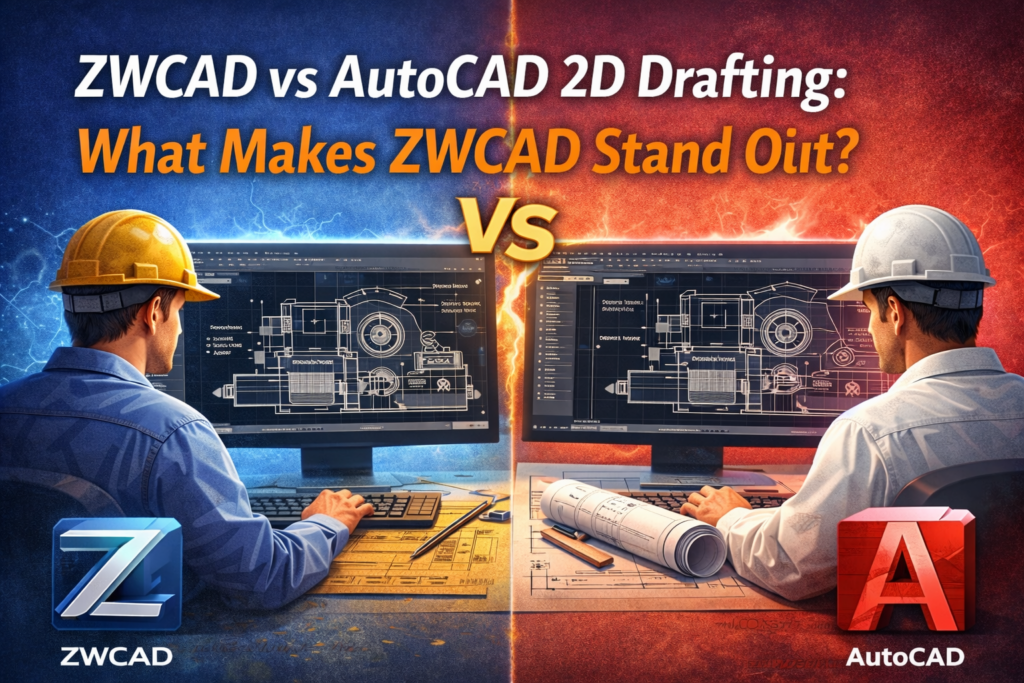
ZWCAD vs AutoCAD 2D Drafting: What Makes ZWCAD Stand Out?
The ZWCAD vs AutoCAD 2D drafting comparison is one that many engineering teams consider carefully. Both tools handle 2D drafting well. But there are clear differences that matter to industrial teams.
Here is a direct comparison:
- Cost: ZWCAD costs significantly less than AutoCAD. Teams save money on licensing without losing core functionality.
- DWG Compatibility: Both tools support DWG. ZWCAD reads and writes native DWG files accurately.
- Performance: ZWCAD runs fast even on older hardware. AutoCAD often requires higher system resources.
- Interface Familiarity: ZWCAD’s interface follows a similar layout, so AutoCAD users adapt quickly.
- Customization: Both support LISP routines and custom scripts for design productivity tools and automation.
For teams that want why choose ZWCAD for engineers answered directly: ZWCAD offers the core features that industrial engineers need at a price point that makes it accessible to more organizations.
Key ZWCAD Features That Support Industrial Drafting
ZWCAD includes a set of features that directly address common industrial drafting challenges. Here are the ones that matter most for engineering teams:
- Smart Voice: Reads commands aloud to reduce input errors during complex drafting sessions.
- QuickCalc: An inline calculator for on-the-spot geometry calculations without switching apps.
- Advanced Layer Management: Quickly control and filter layers in complex drawings.
- LISP and API Support: Automate repetitive tasks with custom scripts and macros.
- Block Library: Access and insert standard symbols quickly for consistent drawings.
- PDF Import: Import PDF drawings directly and convert them to editable DWG entities.
These ZWCAD features for drafting make it a strong CAD software for industrial design. They help teams work faster, reduce manual effort, and produce drawings that meet engineering standards consistently.
Who Should Use ZWCAD for Industrial Drafting?
ZWCAD works well for a wide range of engineering and design teams. It is a strong fit for the following groups:
- Mechanical engineers who create 2D part drawings and assembly layouts.
- Plant engineers who design piping, instrumentation, and process equipment layouts.
- Structural engineers who need precise multi-view drawings.
- Manufacturing teams that prepare production drawings and shop floor documentation.
- Engineering firms of any size that want reliable, affordable drafting software for engineers.
The best 2D CAD software for industrial drafting must meet the needs of diverse engineering teams. ZWCAD does this with a flexible and feature-rich platform that supports a wide range of CAD software for industrial design use cases.
Building a Better CAD Drafting Workflow with ZWCAD
A good CAD drafting workflow starts with the right tools. But it also requires smart practices. Here are a few steps that help engineering teams get the most from their CAD design software:
- Standardize templates: Use consistent title blocks, layers, and naming conventions across all projects. ZWCAD supports custom templates that teams can share and reuse.
- Automate repetitive steps: Use LISP routines in ZWCAD to handle tasks that engineers repeat on every drawing. CAD automation tools save significant time over large project volumes.
- Check drawings early: Run dimension and annotation checks before submitting drawings for review. Catching errors early reduces rework and improves design accuracy in CAD.
- Use block libraries: Store and reuse common symbols and components. This speeds up drafting and keeps drawings consistent with engineering drawing standards.
Following these practices with a capable technical drawing software like ZWCAD leads to measurable improvements in speed, accuracy, and team output.
Conclusion
Industrial drafting comes with real challenges. High software costs, DWG compatibility issues, slow performance, frequent errors, and limited collaboration options all slow down engineering teams. These problems are common across the industry, but they are not unsolvable.
ZWCAD addresses each of these pain points with practical, well-built features. It delivers design productivity tools that industrial engineers can rely on. It supports native DWG format, runs fast on standard hardware, and keeps costs manageable for firms of all sizes.
For engineering teams that want a reliable AutoCAD alternative for industrial design, ZWCAD is a proven choice. It covers everything from CAD software for manufacturing drawings to full plant design support. It brings together all the core 2D drafting tools and features that modern engineers need.
At Corengg Technologies, we help engineering teams find the right tools to work smarter and deliver accurate drawings on time. If you want to improve your team’s drafting efficiency, reduce errors, and cut software costs, ZWCAD is worth a serious look. Reach out to Corengg Technologies to learn how ZWCAD can support your specific industrial drafting needs.