
AutoCAD alternatives 2026 Professionals in engineering, construction, and architecture depend on drafting and design tools for daily work. The software they choose
Professionals in engineering, construction, and architecture depend on drafting and design tools for daily work. The software they choose affects speed, accuracy, and long-term productivity. Many users now explore AutoCAD alternatives 2026 because licensing models, performance needs, and project timelines continue to change. This comparison explains how AutoCAD and ZWCAD work in real projects. It also shows which tool aligns better with modern drafting needs.
The purpose of this guide is to offer an AutoCAD vs ZWCAD analysis in a simple and direct way. It helps students, designers, and companies understand the differences without complex language. It also supports professionals who want a clear CAD software comparison 2026 with real factors like cost, performance, compatibility, and long-term value.
Companies today expect CAD tools to support smooth workflows, fast commands, and reliable file handling. Teams depend on computer-aided design tools to prepare plans, layouts, models, and engineering diagrams. They want accuracy, stable performance, and simple commands that reduce training time.
Most organizations also review CAD cost efficiency because budget limits are common. This pushes many of them to explore options that are easier to maintain. Licensing plans, upgrades, computer hardware, and drawing sizes influence decisions. As a result, firms look for the best CAD software 2026 that fits their work style and financial needs.
AutoCAD is one of the most widely used engineering drawing software tools around the world. It has a long history and a strong user base across industries. Many companies trust AutoCAD because it delivers a familiar environment, rich tools, and years of stability. It supports both 2D and 3D work and integrates well with large workflows.
AutoCAD includes several advanced CAD productivity tools for modeling and documentation. It also offers many industry-specific versions for mechanical, civil, electrical, and architectural applications. But AutoCAD operates only on a subscription model. Many users evaluate AutoCAD alternatives 2026 because long-term subscription fees keep increasing.
ZWCAD is a modern CAD platform created for professionals who want speed, accuracy, and easy adoption. Many drafting teams now prefer ZWCAD because it offers familiar commands, high performance, and a smooth interface. ZWCAD features cover most daily drafting needs, including basic 3D tools.
One of its biggest advantages is the ZWCAD perpetual license, which allows users to own the software instead of paying every year. This helps companies control costs and plan budgets. Many users also look for affordable CAD software options in India 2026, and ZWCAD meets this need well.
ZWCAD supports DWG files natively, making it easy for teams to exchange drawings. It also fits engineers who want a light and fast platform. Many prefer it for its stable performance, especially during long drafting sessions.
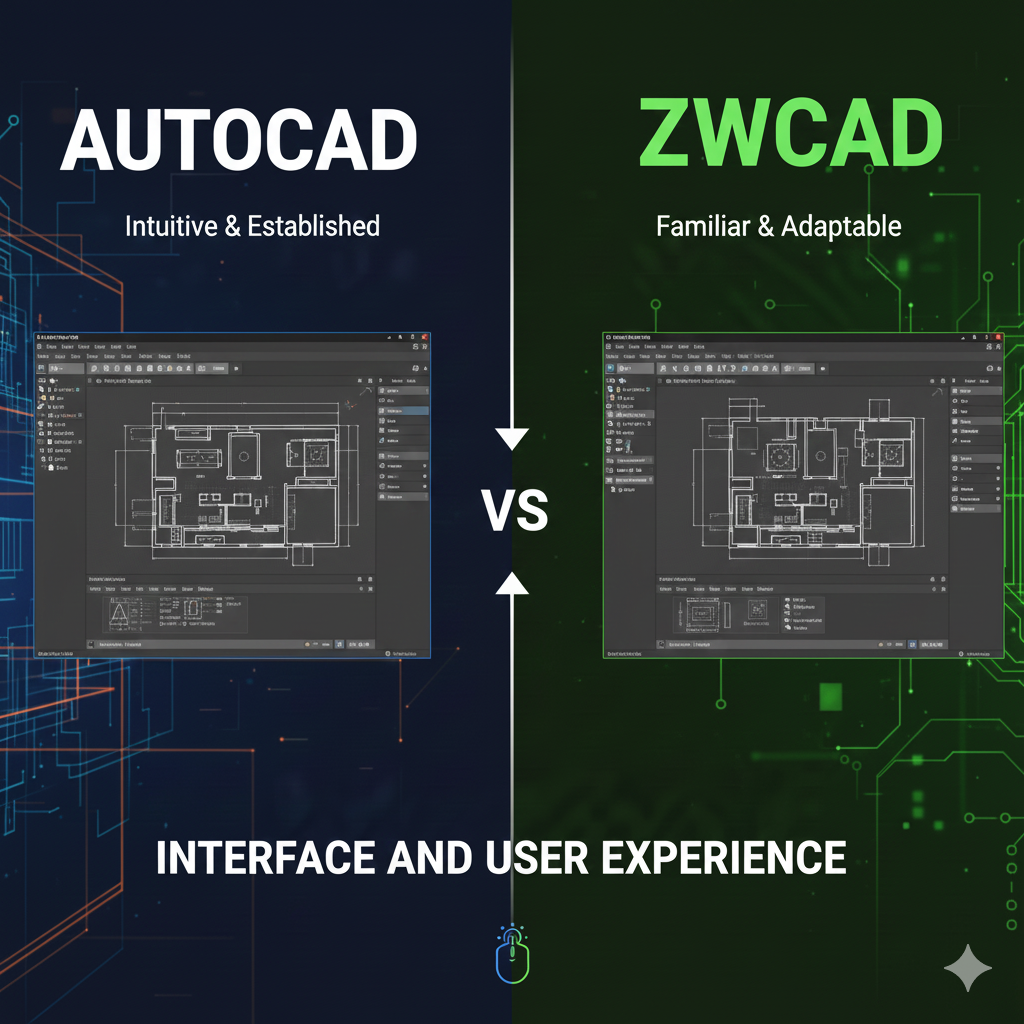
When users compare AutoCAD and ZWCAD, they notice that the interfaces look similar. Both have ribbons, toolbars, command lines, and shortcuts. This makes the CAD user experience easier for people switching from one platform to another.
ZWCAD offers fast start-up, quick command response, and smooth handling of multiple drawings. AutoCAD provides a polished interface but may take longer to load on older systems. Both tools offer clean layouts that support a steady design & drafting workflow.
Performance is a vital factor when teams choose software. Large files, detailed designs, and long sessions demand strong stability. Many professionals use performance tests to compare these two tools.
Users often analyze ZWCAD vs AutoCAD performance for large drawings. ZWCAD opens heavy DWG files faster on mid-range machines. AutoCAD also handles large files well, but it works best on higher hardware configurations.
Both tools produce accurate results with quick command execution. ZWCAD runs lighter, making it ideal for systems with average specifications.
AutoCAD is known for strong long-term stability. ZWCAD is also stable and supports long drafting sessions without lag.
Licensing plays a major role in CAD decisions. Companies want flexibility, ownership control, and predictable costs.
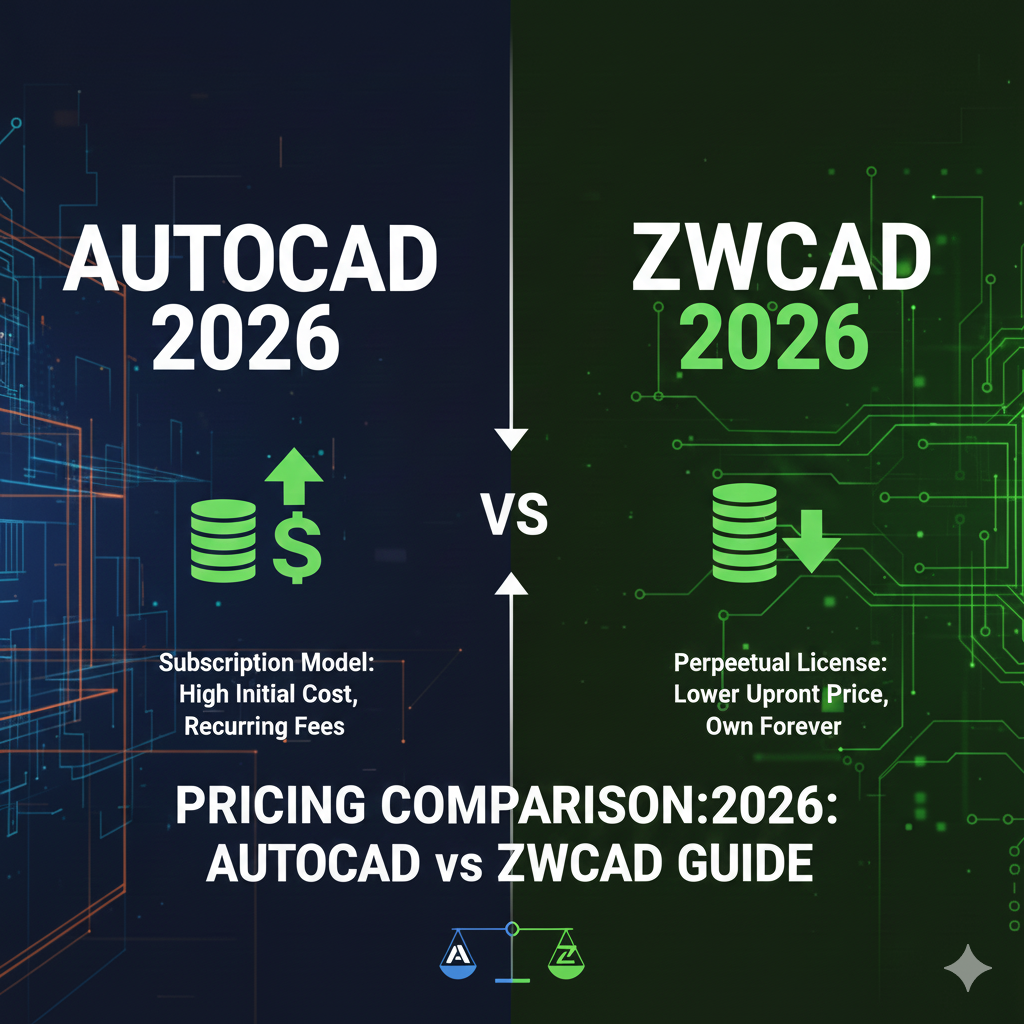
AutoCAD uses subscription-only plans. Users pay yearly or monthly fees to access the software. Without an active subscription, the tool stops working. Many firms review CAD licensing options and compare them with available alternatives.
ZWCAD provides a perpetual license. This means users pay once and own the software permanently. Optional upgrades exist, but they are not required. Companies consider this model when reviewing CAD software pricing comparison AutoCAD vs ZWCAD.
For many organizations, this difference is the leading reason they explore AutoCAD alternatives 2026.
Many Indian companies want cost-effective drafting solutions without slowing their workflow. Both tools deliver value, but the pricing structure differs.
AutoCAD subscriptions include yearly charges. ZWCAD offers one-time purchase costs with optional upgrades. Firms looking for predictable expenses prefer ZWCAD. Local access to support also helps, especially when working with a ZWCAD reseller in Chennai for engineering companies.
This makes ZWCAD more attractive for small and mid-sized organizations seeking long-term planning.
A direct Professional CAD tools comparison helps users understand where each platform performs best.
Both platforms perform well in 2D drafting tasks. The difference between AutoCAD and ZWCAD for drafting mainly appears in speed, cost, and system requirements.
AutoCAD supports more advanced 3D features. ZWCAD focuses on 2D work but includes basic 3D tools for standard needs.
Both tools support DWG formats, ensuring smooth file transfers.
ZWCAD mirrors many AutoCAD shortcuts, making training easier.
ZWCAD performs smoothly even on older systems. AutoCAD requires higher performance setups.
This analysis helps teams decide which tool better fits their daily workload.
Many professionals now adopt ZWCAD across mechanical, civil, electrical, and architectural workflows. It fits well for:
Engineering teams who need steady drafting
Students learning 2D tools
Firms that want reliable drafting performance
Architects who use ZWCAD 2D drafting software for architects and designers
Designers who want a simple interface
The software works well for precise lines, measurements, and construction plans. It also helps teams build confidence through consistent output.
A clear AutoCAD vs ZWCAD detailed review 2026 helps explain why many users shift toward ZWCAD.
Users want:
Lower long-term cost
Fast performance
Simple interface
Familiar commands
Lower system requirements
Easy adoption across teams
These factors address real challenges companies face today. They also explain why ZWCAD is the best AutoCAD alternative in 2026 for many organizations.
This shift is strong in India, where cost control and productivity matter equally.
Professionals need tools that support growth, accuracy, and smooth transitions. A strong comparison includes:
Speed
Stability
Command accuracy
Hardware support
Licensing plans
Upgrade needs
Compatibility
This best CAD software comparison for engineers in 2026 helps new users make practical decisions without confusion.
ZWCAD delivers strong performance in drafting, cost planning, and long-term use. AutoCAD offers deeper customization and advanced functions.
Software updates shape the future of design. Both platforms release improvements to meet industry needs.
In CAD software upgrades 2026, the focus is on:
Improved speed
Better stability
Flexible workflows
Updated tools
Enhanced compatibility
These updates help teams maintain quality and improve project output. Both ZWCAD and AutoCAD refine their systems to support the latest industry standards.
India has a large community of designers and engineers. Many firms search for tools that match their budgets and support fast work. This is why many are shifting to CAD drafting software India that fits long-term needs.
Ease of learning, stable usage, and affordable upgrades encourage more companies to explore ZWCAD. Engineers also value local support, which helps solve issues faster.
Both AutoCAD and ZWCAD deliver strong results for drafting and design work. AutoCAD offers advanced features and a long history. ZWCAD offers speed, cost control, familiar tools, and a perpetual license. Your final choice depends on project needs, long-term planning, and performance expectations. Review the tools carefully and choose the platform that supports your work in 2026.
For guidance, support, and trusted CAD solutions, Corengg Technologies helps companies evaluate tools and choose the right option for their design teams.

AutoCAD Alternative software Indian businesses in architecture, engineering, and design

CAD Software Guide AutoCAD Alternative: Why More Businesses Are Choosing

🏅 Autodesk Authorized Reseller · India Buy AutoCAD License in

AutoCAD Subscription Price in India: A Buying Guide Autodesk Authorized

Home » Buy AutoCAD Software AutoCAD Licensing Guide · Corengg

Finding the right AutoCAD dealers in India is essential for
