Best SolidWorks Alternative in 2026: ZW3D vs SolidWorks
A clear, practical comparison to help mechanical design teams choose the right CAD platform for 2026 — without overspending.
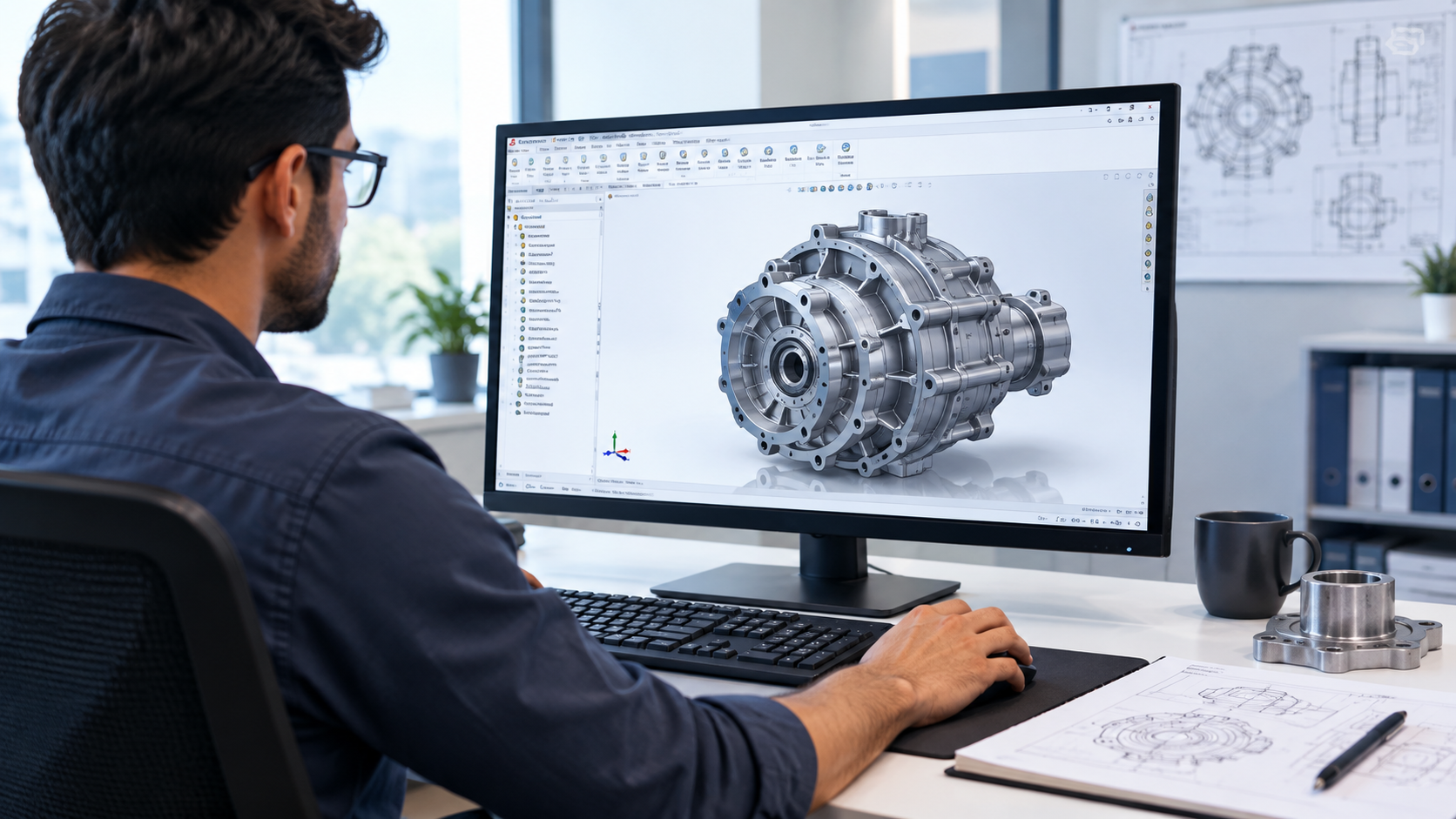
ZW3D gives mechanical design teams a full-featured, lower-cost path away from SolidWorks.
Choosing the right SolidWorks alternative matters for any engineering team. Engineers and designers use CAD software every day, and SolidWorks has been a popular choice for years. But its rising cost and licensing rules push many teams to look for other options.
This guide compares ZW3D and SolidWorks. It explains why more companies now choose ZW3D as their mechanical CAD software. You will learn about features, pricing, and how a switch works in practice.
See ZW3D on your own part
Book a free walkthrough with our engineering team — no obligation.
Request a DemoWhat Is SolidWorks and Why Do Users Look for a Replacement?
SolidWorks is a well-known 3D CAD software tool. Engineers use it to design parts, assemblies, and drawings. It works well for many industries.
But SolidWorks has some real drawbacks. License costs keep rising each year. Maintenance fees add to the total cost. Small and mid-size manufacturers often find these costs hard to justify.
This is why many teams search for a SolidWorks replacement. They want similar design power without the high price tag. They also want software that runs smoothly on normal computers.
Some companies also face compatibility issues. SolidWorks files do not always open well in other CAD/CAM software. Teams that work with multiple vendors need a tool that handles different file formats with ease.
These problems push buyers toward newer, more flexible engineering design software. ZW3D has become one of the top choices in this search.
Head-to-HeadZW3D vs SolidWorks: Key Differences
ZW3D and SolidWorks both handle 3D mechanical design. But they differ in cost, licensing, and approach.
| Factor | SolidWorks | ZW3D |
|---|---|---|
| Pricing model | Subscription / annual maintenance | Perpetual license option |
| File compatibility | Native format, limited cross-tool support | Reads and writes SolidWorks files directly |
| Modeling approach | Mainly history-based | Hybrid — history-based + direct modeling |
| CAM integration | Separate add-on required | Built-in CAD/CAM in one license |
These differences matter for manufacturing design software buyers. They want one tool that handles design and machining together.
The AlternativeZW3D: A Practical SolidWorks Replacement for Mechanical Design
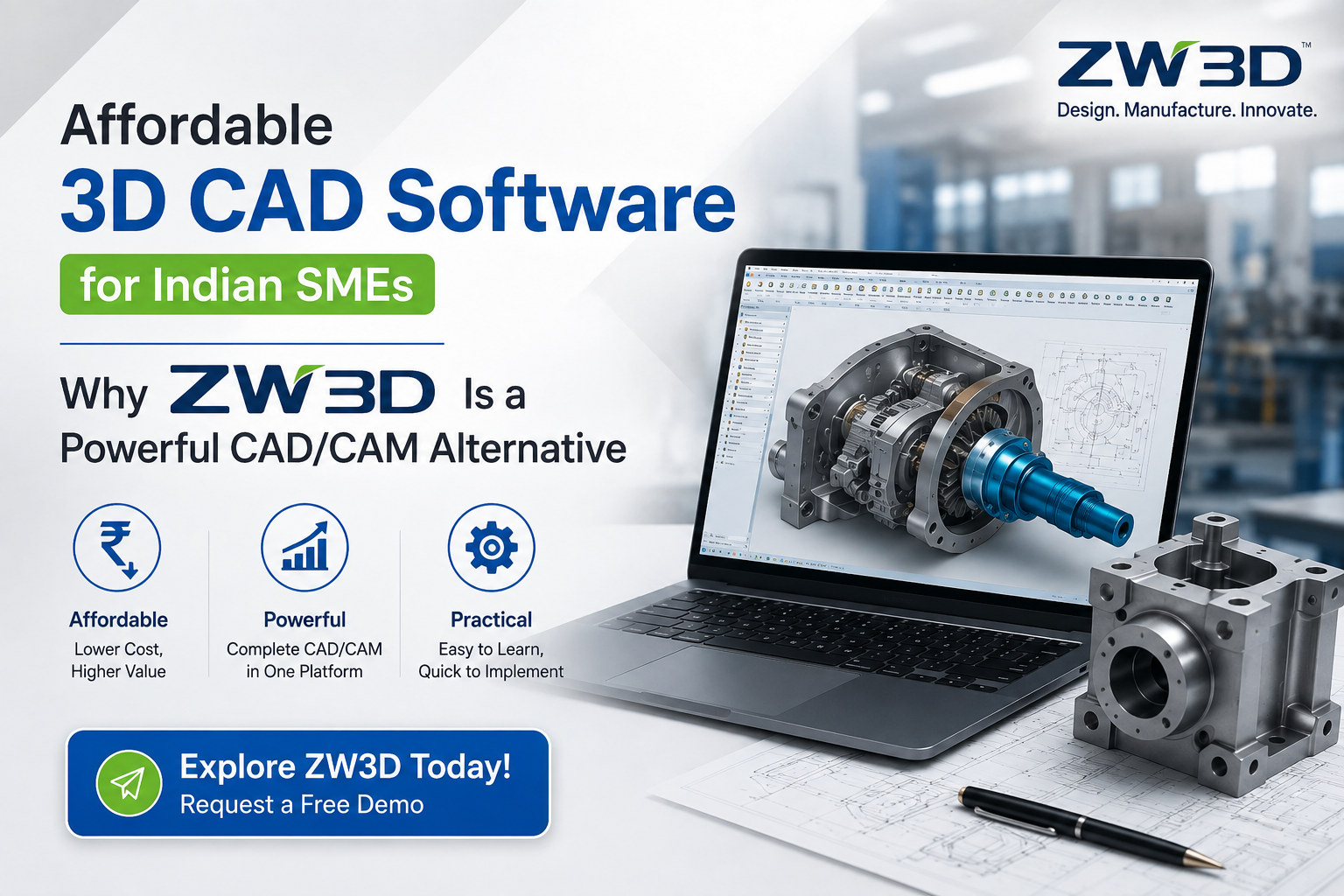
ZW3D offers strong 3D CAD software tools without a heavy price tag. It supports part design, assembly modeling, and sheet metal work. It also includes tools for mold design and reverse engineering. These features match what most mechanical design teams need daily.
The software runs well on standard business computers. Teams do not need to invest in expensive hardware upgrades. This lowers the total cost of ownership even further.
Small manufacturing shops benefit the most. They get professional-grade CAD software for manufacturing at a fraction of the SolidWorks cost. This makes ZW3D a practical choice for growing businesses.
CapabilitiesFeatures That Make ZW3D a Strong SolidWorks Replacement
Hybrid Modeling
Switch between history-based and direct editing to speed up changes on complex parts.
Sheet Metal Design
Bends, flanges, and unfolding handled automatically for fabrication teams.
Mold Design Tools
Mold bases, cores, and cavities created inside the same platform.
Large Assembly Handling
Manages thousands of parts per assembly without a drop in performance.
Drawing & Documentation
Detailed 2D drawings generated directly from 3D models, always in sync.
Data Exchange
Supports STEP, IGES, and native SolidWorks files for easy collaboration.
Each of these features supports real engineering design software needs. They are not just extra add-ons. They solve everyday problems for mechanical designers.
India FocusIs ZW3D a Good SolidWorks Alternative in India?
Indian manufacturers face unique challenges. Currency exchange rates make foreign software expensive. Import duties and taxes add further cost.
ZW3D is a strong option for manufacturers in India for these reasons. Local pricing is more predictable. Support is available through authorized resellers within the country.
Many small and mid-size Indian manufacturers use ZW3D for die design, mold making, and general mechanical parts. The software meets international design standards. But it comes at a price that fits Indian market budgets.
Local training and support also matter. Indian resellers offer training in regional languages and time zones. This reduces downtime during the transition from SolidWorks.
Companies serving global clients still need international file compatibility. ZW3D delivers this through its strong import and export options.
ZW3D for CAD/CAM Software and CNC Programming
Modern manufacturing needs more than just design software. It needs a full path from design to production.
ZW3D combines CAD/CAM software features in one package. Users design a part, then move directly into machining setup. There is no need to export files to a separate CAM system.
The built-in CNC programming software supports milling, turning, and multi-axis machining. Programmers can simulate toolpaths before running them on the shop floor. This reduces errors and material waste.
This tight CAD-CAM link saves time. Teams do not lose design details when moving between software packages. Data stays accurate from the first sketch to the final part.
For shops that do both design and machining in-house, this integration is a major advantage over standalone SolidWorks setups.
BudgetPricing: The Best Alternative to SolidWorks for Budget-Conscious Teams
Price is often the biggest reason teams switch CAD tools. SolidWorks pricing includes upfront license costs plus yearly subscription service fees. These fees can add up over several years.
ZW3D offers more flexible pricing. Buyers can choose a perpetual license or a subscription plan. A perpetual license means no recurring yearly fee for basic use. This appeals to companies planning for long-term software costs.
For companies comparing total costs over five years, ZW3D often comes out cheaper. This makes it the best alternative to SolidWorks for teams watching their budget closely.
Smaller companies and startups benefit the most from this pricing structure. They get full-featured CAD software for manufacturing without a large upfront investment.
See your savings vs SolidWorks
Get a side-by-side cost estimate sized to your design team.
Get My Free QuoteHow to Switch from SolidWorks to ZW3D
Switching CAD software feels risky. But the process is simpler than most teams expect.
- Import existing files. ZW3D opens SolidWorks part, assembly, and drawing files directly. Most designs transfer with their geometry intact.
- Train the team. Basic training usually takes a few days. The interface feels familiar to SolidWorks users, which shortens the learning curve.
- Run both tools in parallel. Many teams keep SolidWorks active during a transition period. This reduces pressure while staff get comfortable with the new software.
- Move to full production use. Once the team feels confident, they can move all new projects to ZW3D. Old projects stay accessible through the imported files.
This step-by-step approach limits downtime. Teams keep working while they adjust to alternative software to SolidWorks.
Ready to Switch to an Affordable SolidWorks Alternative?
Talk to Corengg Technologies' engineering team and get a free ZW3D demo built around your parts.
Frequently Asked Questions
Is ZW3D good enough for complex assemblies?
Yes. ZW3D handles large assemblies with thousands of parts and includes tools to check for interference between moving parts.
Can ZW3D open files made in SolidWorks?
Yes. ZW3D reads and writes SolidWorks files directly, so teams can move existing projects over without starting from scratch.
Does ZW3D include CAM tools, or is that a separate purchase?
CAM tools come built into the ZW3D CAD/CAM software package. There is no need to buy a separate CAM system for basic milling and turning work.
How long does it take a design team to learn ZW3D?
Most engineers with CAD experience adapt within a few weeks. The interface follows common CAD logic, so prior CAD knowledge transfers well.
Is ZW3D only for small companies?
No. ZW3D scales from single-seat shops to larger design teams. Its lower per-seat cost makes it easy to add licenses as a company grows.
Conclusion
SolidWorks remains a solid tool, but its cost puts pressure on many manufacturing teams. ZW3D offers similar design power, built-in CAM tools, and a friendlier price. It supports mechanical design, mold making, and CNC programming in one platform.
For companies in India and beyond, ZW3D is a practical, affordable SolidWorks alternative worth serious evaluation. Corengg Technologies provides ZW3D licensing, training, and local support for manufacturers making the switch. Teams that want strong design software without ongoing high fees should consider ZW3D as their next CAD platform.